

Jump to content
View in the app

A better way to browse. Learn more.

Geek Nexus

A full-screen app on your home screen with push notifications, badges and more.

To install this app on iOS and iPadOS
  1. Tap the Share icon in Safari
  2. Scroll the menu and tap Add to Home Screen.
  3. Tap Add in the top-right corner.
To install this app on Android
  1. Tap the 3-dot menu (⋮) in the top-right corner of the browser.
  2. Tap Add to Home screen or Install app.
  3. Confirm by tapping Install.

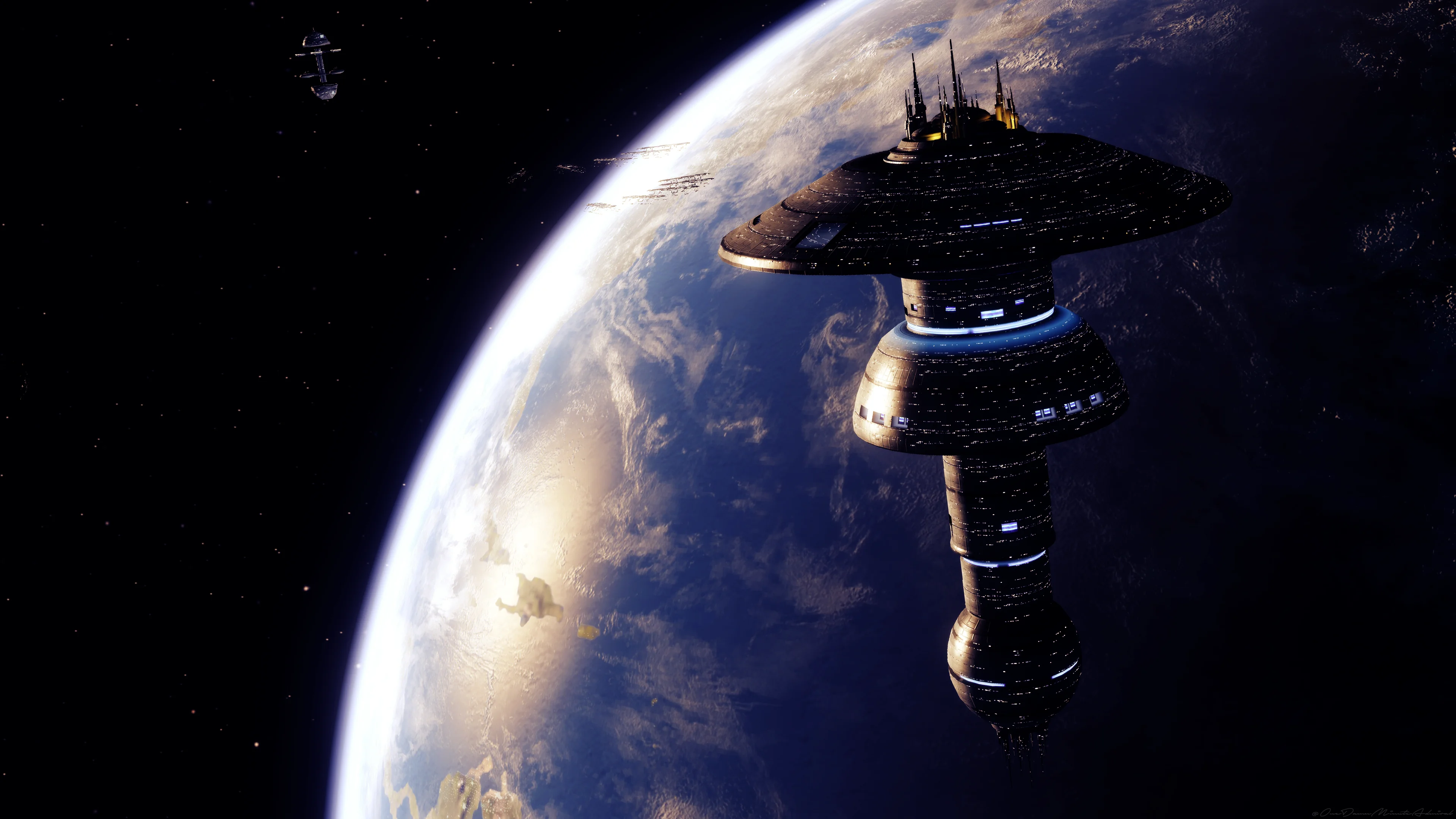
U.S.S. Enterprise F Makes its Cannon Appearance On Star Trek
Featured Replies

  • Owner

So those that play the game Star Trek Online, This was a big thing for us. The USS Enterprise F was brought to life and is now a part of the Star Trek Cannon. How dose this make you feel?

gnbanner.png

https://www.geek-nexus.com/forums/topic/40-uss-enterprise-f-makes-its-cannon-appearance-on-star-trek/

Recently Browsing 0

  • No registered users viewing this page.

Important Information

Please make sure you read our Terms of Use and Privacy Policy

Configure browser push notifications

Chrome (Android)
  1. Tap the lock icon next to the address bar.
  2. Tap Permissions → Notifications.
  3. Adjust your preference.
Chrome (Desktop)
  1. Click the padlock icon in the address bar.
  2. Select Site settings.
  3. Find Notifications and adjust your preference.